

What this is for
Settings → Organization is the tenant overview page. It shows who you are inside Guardway: the org’s display name, slug, tenant ID, when it was created, your role, and a count of people and gateways under it. Every Guardway account belongs to exactly one organization. Your org is created automatically on sign-up and you become its first Owner. All gateways, providers, models, keys, and usage roll up to this org.Options
Stat blocks
Organization details
These fields are read-only on this page. To rename the org or change billing details, contact support.
How to configure
This page is read-only. Use it as the jump-off into the surfaces that are configurable: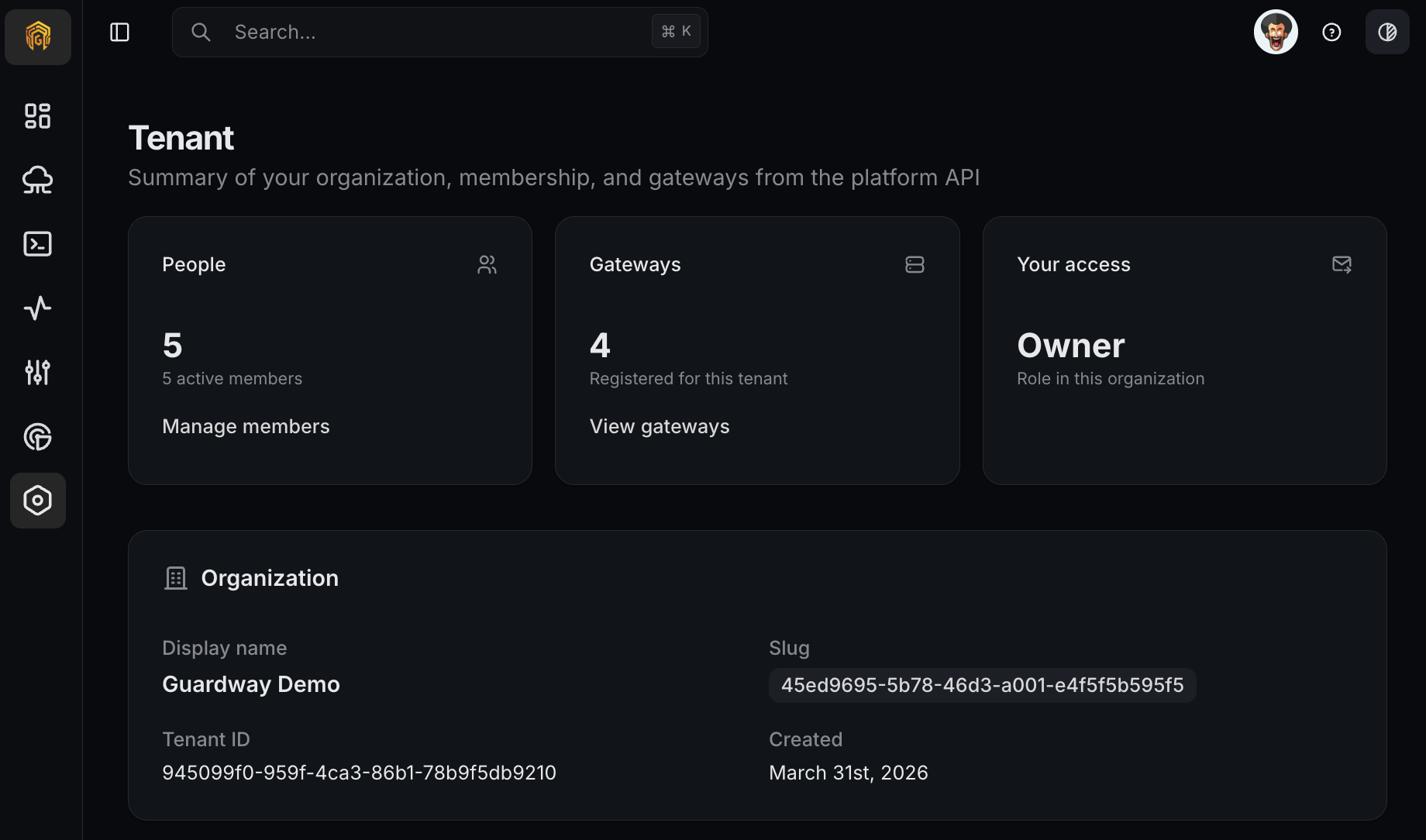
Settings → Organization
1
Open Settings → Organization
Open Settings → Organization from the dashboard sidebar.
2
Confirm tenant identity
Verify the display name and slug match the org you intend to operate on. The tenant ID is what you’d quote when filing a support ticket.
3
Jump to the related surface
Click Manage members to invite teammates, or View gateways to register or inspect gateways.