

Repository detail
Page header
Top of the page shows:- Scan status badge —
Never Scanned,Scanning,Completed,Failed. - Last scanned timestamp, if any.
- Scan button — retriggers analysis. Shows a spinner and polls every 3 seconds while scanning. Toast: “Scan started — this may take a moment.”
- Export AIBOM — disabled until a scan completes.
AI dependencies
A tabbed table, each tab showing one finding type with a count:
Columns vary per tab but typically include Name / Provider, Type, File path, and Version. Tables are sortable; a search box at the top filters across all tabs.
Security scans
Shown below the dependency tabs if the scan included security analysis.MCP Security
- Overall score — 0 to 100, colored red (low) → yellow → green (high).
- Risk level badge.
- Category scores — Code Security, Supply Chain, Maintenance, Community, MCP Security.
- Executive summary — short AI-generated prose describing notable findings.
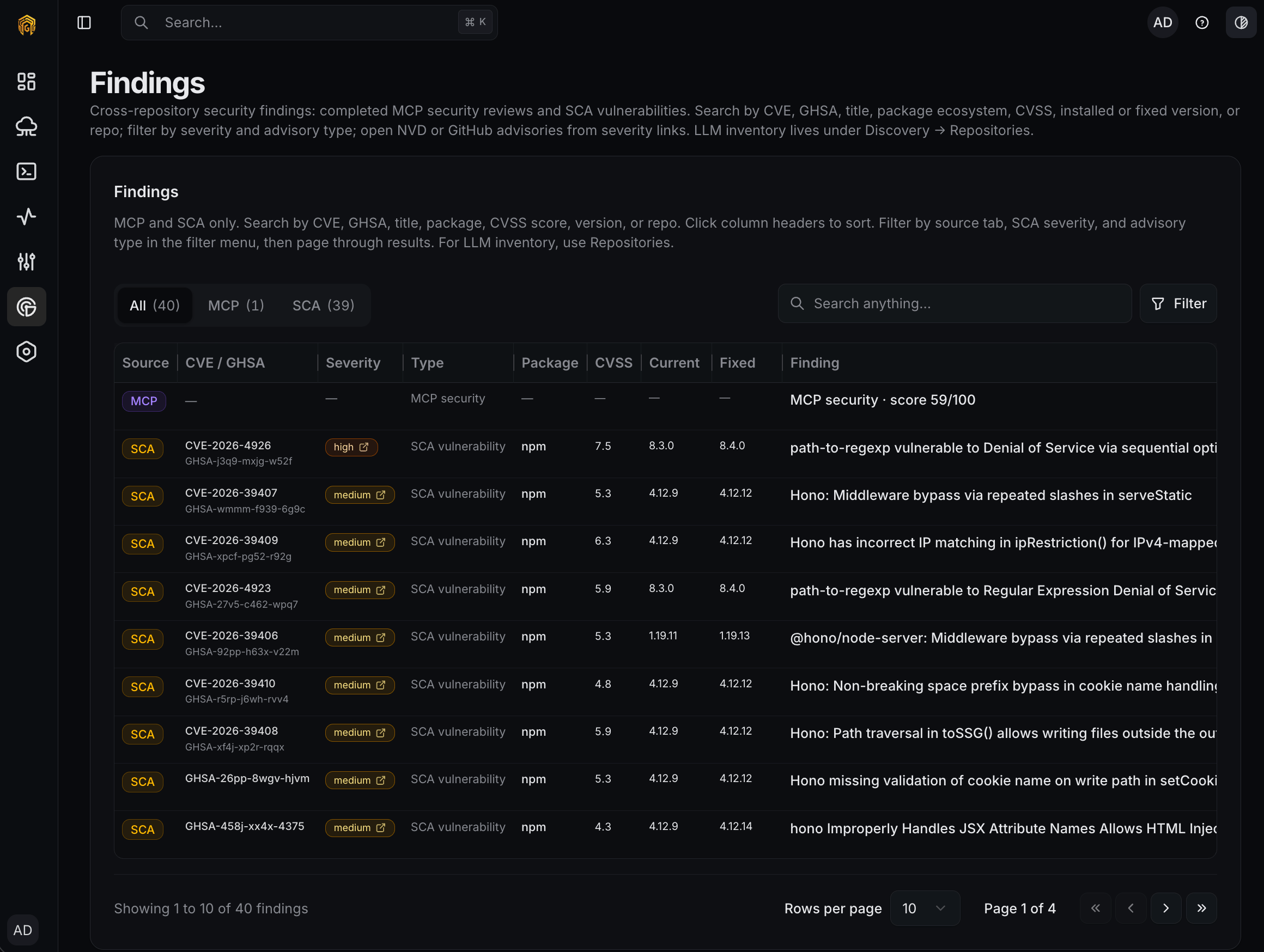
SCA Vulnerabilities
- Total vulnerability count.
- Scrollable list, each entry badged critical / high / medium / low / info with a title and description.
Export AIBOM
Click Export AIBOM to downloadaibom-{repoName}-{YYYY-MM-DD}.cdx.json — a CycloneDX 1.6 bill of materials covering every finding on the repository. Feed it to your SBOM tooling, supply-chain checks, or compliance pipeline.
Org-level bulk AIBOM export is tracked as a future feature. Today you export per-repo.