> ## Documentation Index
> Fetch the complete documentation index at: https://docs.guardway.ai/llms.txt
> Use this file to discover all available pages before exploring further.
# Spend
> Cost view across gateways, teams, API keys, providers, and models, with budget tracking.
## What this is for
**Dashboard → Spend** is the cost-focused companion to [Usage](/platform/dashboard/usage). It rolls up estimated USD across every gateway and pivots by team, key, provider, or model so you can answer "where is the bill coming from" without pulling a finance export.
Provider pricing comes from the model inventory ([Models](/platform/configuration/models)); rows where pricing is unknown show as blank input/output cost.
## Options
### Time range
`Last Hour`, `Last 24 Hours`, `Last 7 Days`, `Last 30 Days`.
### Filters
* **Gateway** — multi-select.
* **Provider** — multi-select.
* **API Key** — multi-select.
### Breakdowns
| Breakdown | What you'll see |
| ---------------- | -------------------------------------------------------------------------------------------- |
| Per **team** | Total spend, request count, % of org, budget progress (if a team has a Monthly Spend Limit). |
| Per **API key** | Spend, token count, top model, last-used time. |
| Per **provider** | Spend by provider with model split. |
| Per **model** | Per-million-token cost, request count, total spend. |
| Per **gateway** | Spot expensive environments. |
### Budgets
Team-level monthly spend caps come from the **Monthly Spend Limit** field on [Configuration → Access → Teams](/platform/configuration/members#teams). The progress bar on each team row is green under 70%, yellow 70–89%, and red ≥90%.
## How to configure
This is a read-only analytics view — set budgets, alerts, and per-key caps elsewhere.
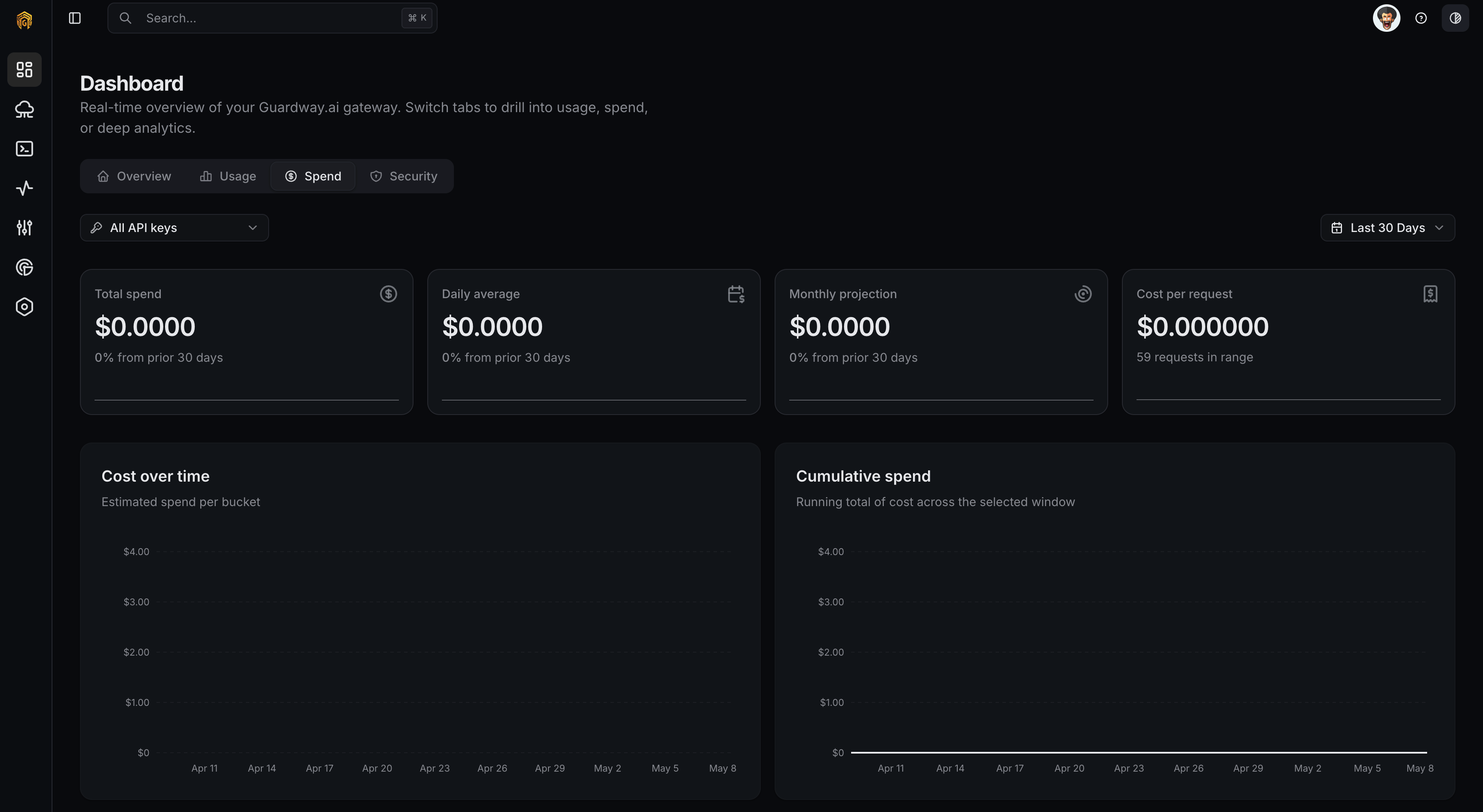 Open **Dashboard → Overview** from the dashboard sidebar and click the **Spend** tab.
Set **Time range**, then narrow by **Gateway**, **Provider**, or **API Key**.
Switch the **Group by** selector between team, API key, provider, model, and gateway to find the dimension that explains the cost.
Click **Export** to download CSV or JSON for finance or a showback system.
To get notified when spend crosses a threshold, configure budgets on [API Keys](/platform/configuration/api-keys) or teams on [Members](/platform/configuration/members#teams), and add an alert rule on [Notifications](/platform/settings/notifications).
## Related
* [Usage](/platform/dashboard/usage) — request/token view of the same telemetry.
* [API Keys](/platform/configuration/api-keys) — per-key budget and alert thresholds.
* [Members](/platform/configuration/members#teams) — per-team monthly spend limits.
* [Notifications](/platform/settings/notifications) — fire on `quota.threshold` and `quota.exceeded`.
Open **Dashboard → Overview** from the dashboard sidebar and click the **Spend** tab.
Set **Time range**, then narrow by **Gateway**, **Provider**, or **API Key**.
Switch the **Group by** selector between team, API key, provider, model, and gateway to find the dimension that explains the cost.
Click **Export** to download CSV or JSON for finance or a showback system.
To get notified when spend crosses a threshold, configure budgets on [API Keys](/platform/configuration/api-keys) or teams on [Members](/platform/configuration/members#teams), and add an alert rule on [Notifications](/platform/settings/notifications).
## Related
* [Usage](/platform/dashboard/usage) — request/token view of the same telemetry.
* [API Keys](/platform/configuration/api-keys) — per-key budget and alert thresholds.
* [Members](/platform/configuration/members#teams) — per-team monthly spend limits.
* [Notifications](/platform/settings/notifications) — fire on `quota.threshold` and `quota.exceeded`.